
Docutaz
A free and open source, cross-platform desktop GUI for MongoDB, built on a modern mongosh shell.
dok·you·taz — doc (document) + dotaz, Czech for query
Linux (x86_64 & arm64) · macOS (Apple Silicon) · Windows (x64)
A free and open source, cross-platform desktop GUI for MongoDB, built on a modern mongosh shell.
dok·you·taz — doc (document) + dotaz, Czech for query
Linux (x86_64 & arm64) · macOS (Apple Silicon) · Windows (x64)
Standalone, replica set or Atlas — with TLS/SSL and SSH-tunnel support.
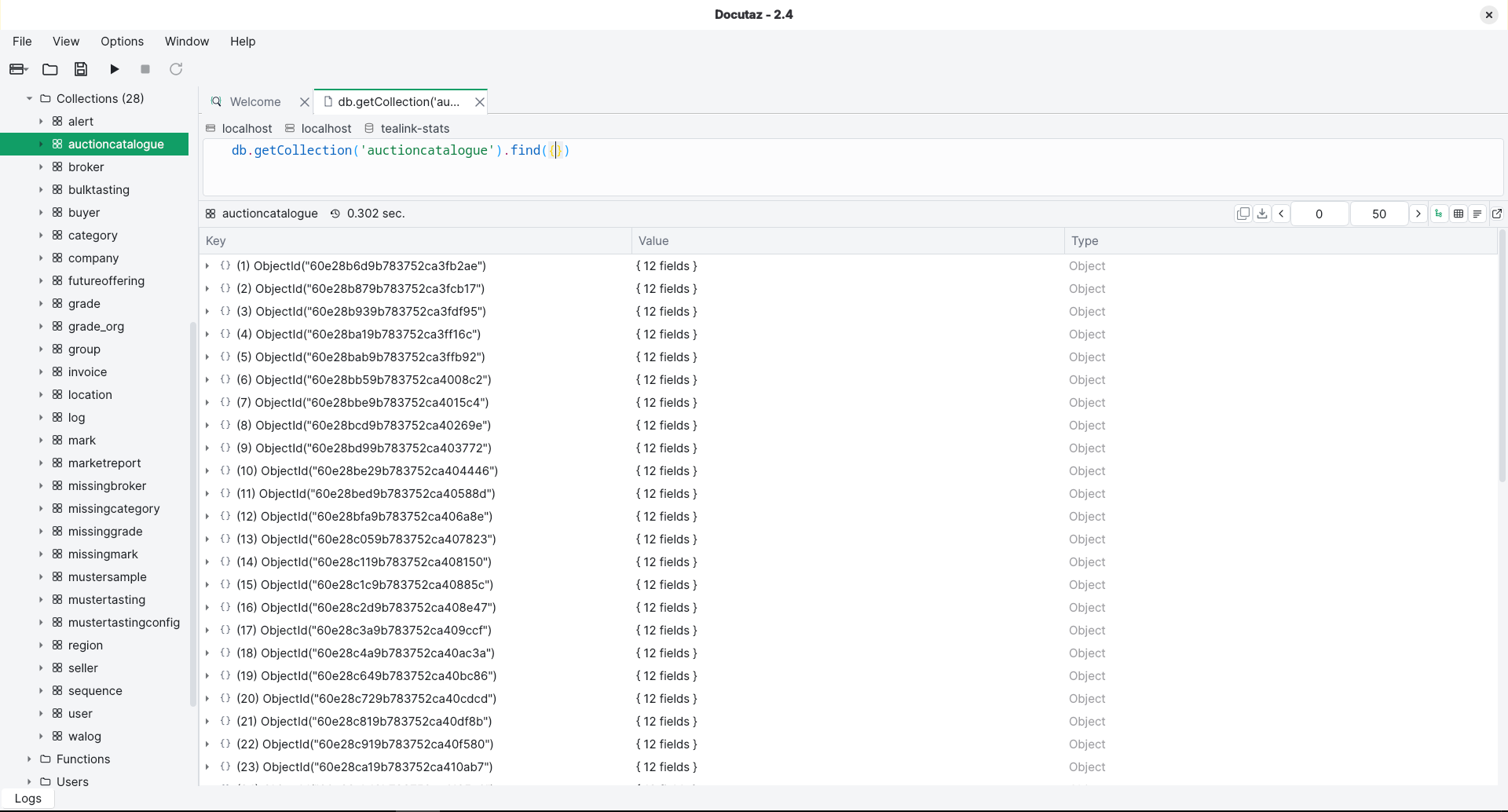
Browse databases, collections and documents in a GUI tree, and page through large result sets.
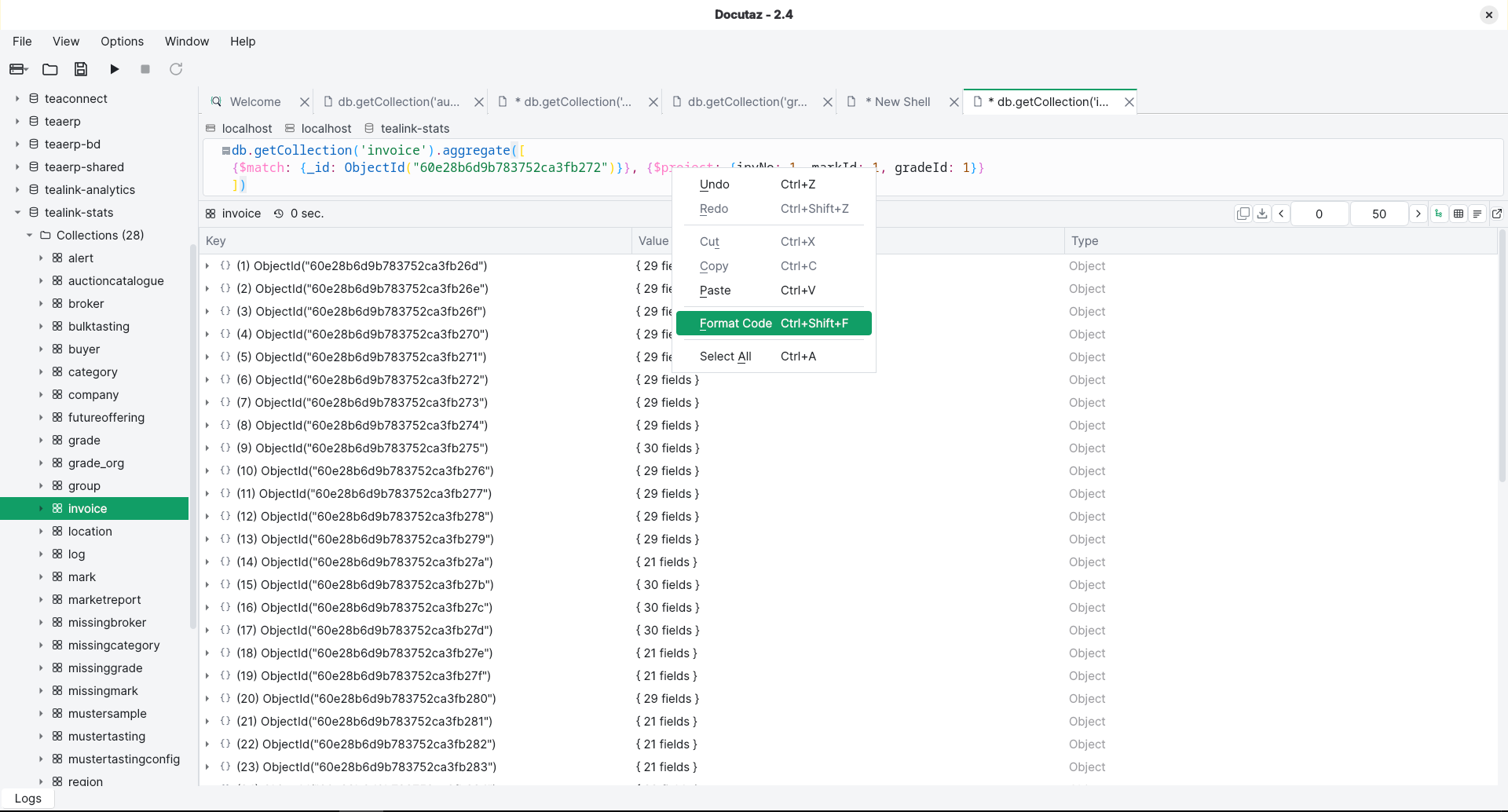
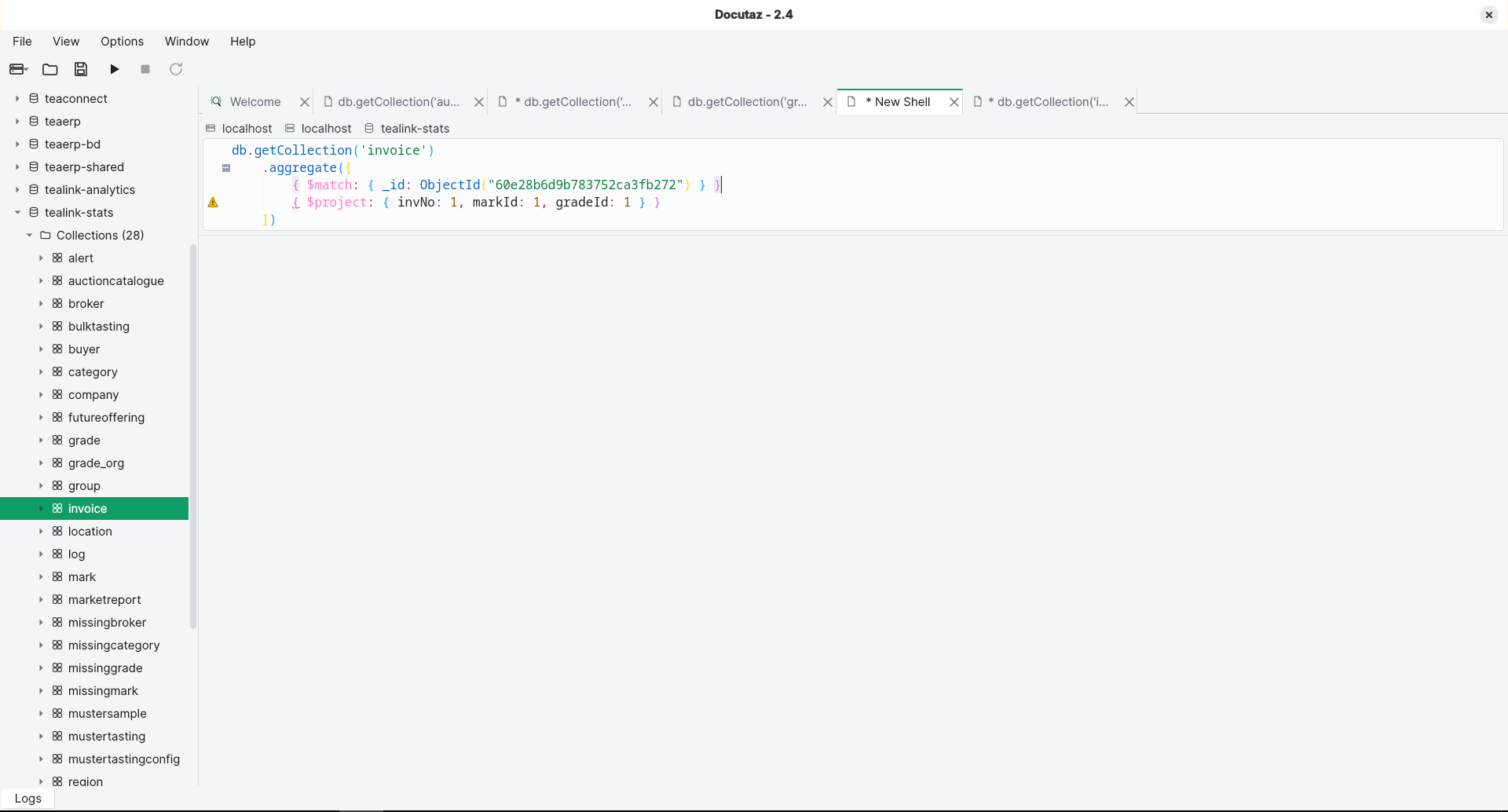
Run multi-statement JavaScript in a real mongosh tab with server-side autocomplete.
One-keystroke formatting, code folding, bracket-pair colors, auto-closing brackets and Mongo-aware highlighting.
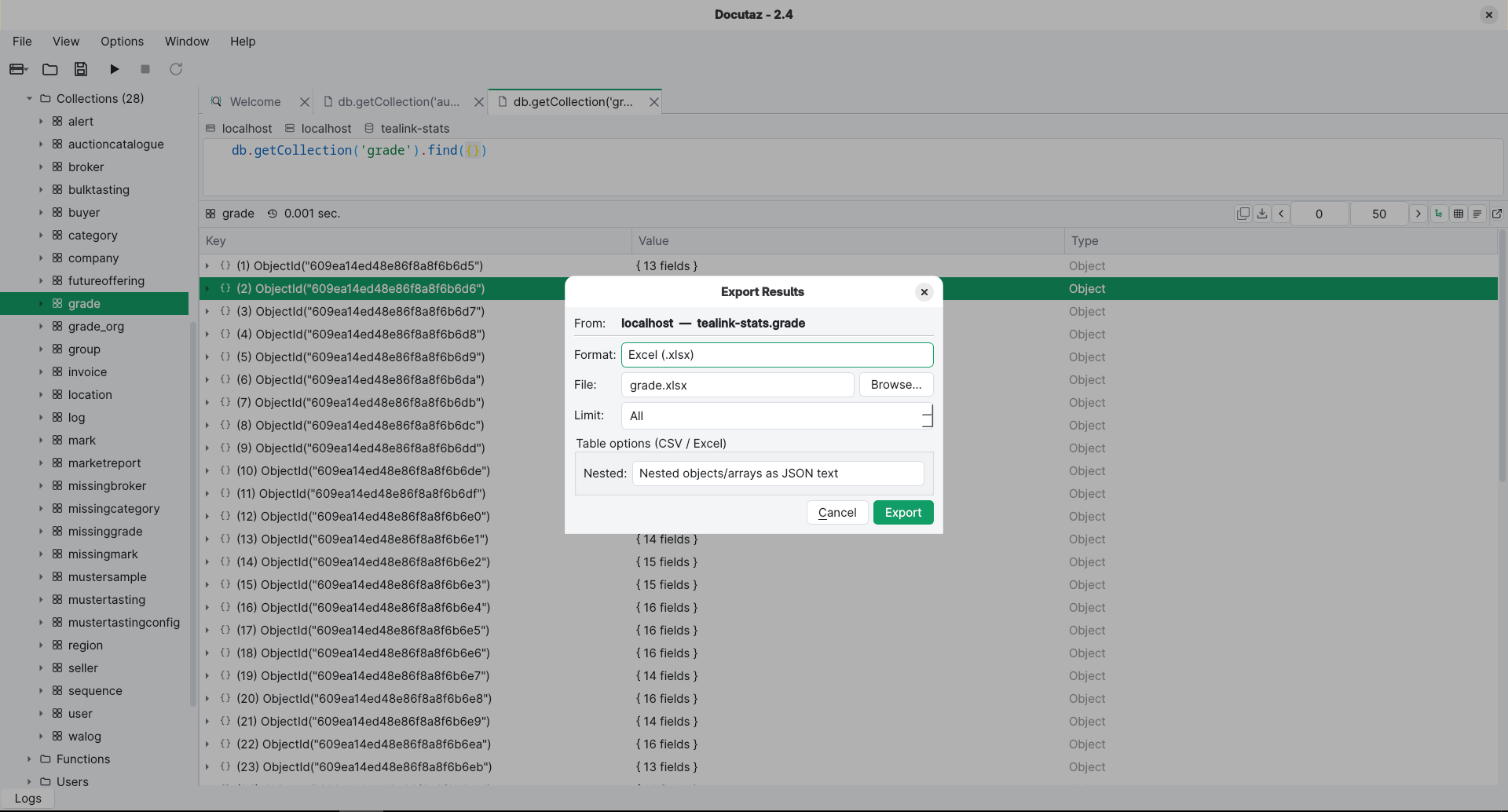
Save query or aggregation results to JSON, CSV or Excel (.xlsx), with full or flattened nested fields.
Copy a slice of results into another open connection or a scratch collection — without touching the source.
Dump and restore databases or collections through the MongoDB Database Tools, without leaving the app.
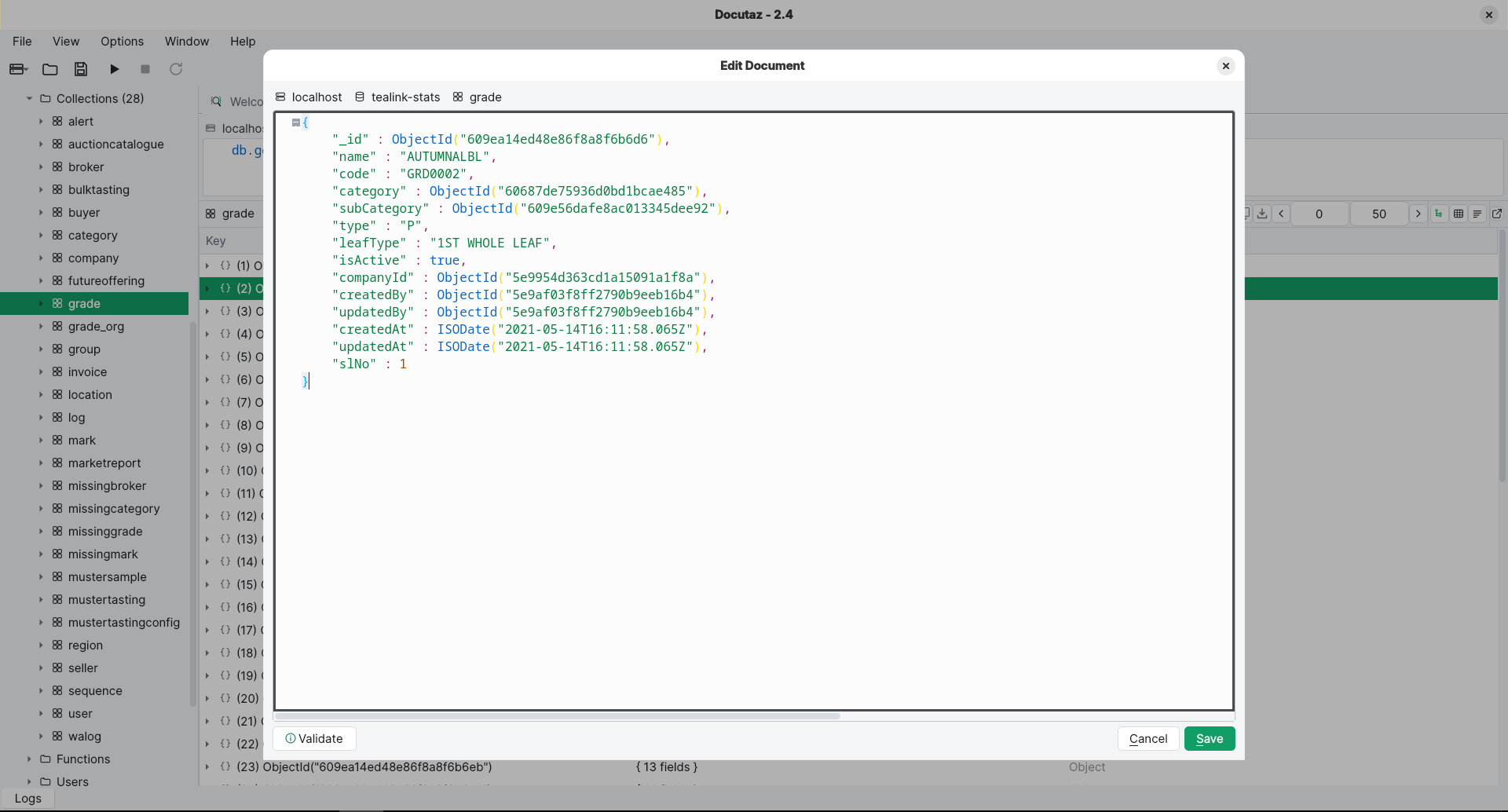
Insert, edit and delete documents with a visual editor — no hand-written JSON required.
Tag connections by environment and get a confirmation prompt before an update or delete hits a guarded one.
Create and inspect indexes — unique, sparse, TTL, text, partial, geo — manage users and collection settings.
No telemetry or analytics. The only network traffic is your own MongoDB and SSH connections.
Download the build for your platform from the latest release, then:
PATH or set its path in Options → Preferences../docutaz.sh, then ./install-desktop.sh once for the app-menu launcher icon.brew install --cask --no-quarantine illimitable-consulting-private-limited/docutaz/docutaz. Or unzip a release manually — the app is ad-hoc signed but not notarized, so right-click → Open the first time.winget install Illimitable.Docutaz. Or extract the release and run docutaz.exe; on SmartScreen click More info → Run anyway.Full step-by-step instructions are in the installation guide.